
Modernizing a Healthcare Mobile App from Xamarin to .NET MAUI for Performance and Scalability
Xamarin to .NET MAUI Migration
Healthcare Mobile App Modernization
xamarin to maui migration tool
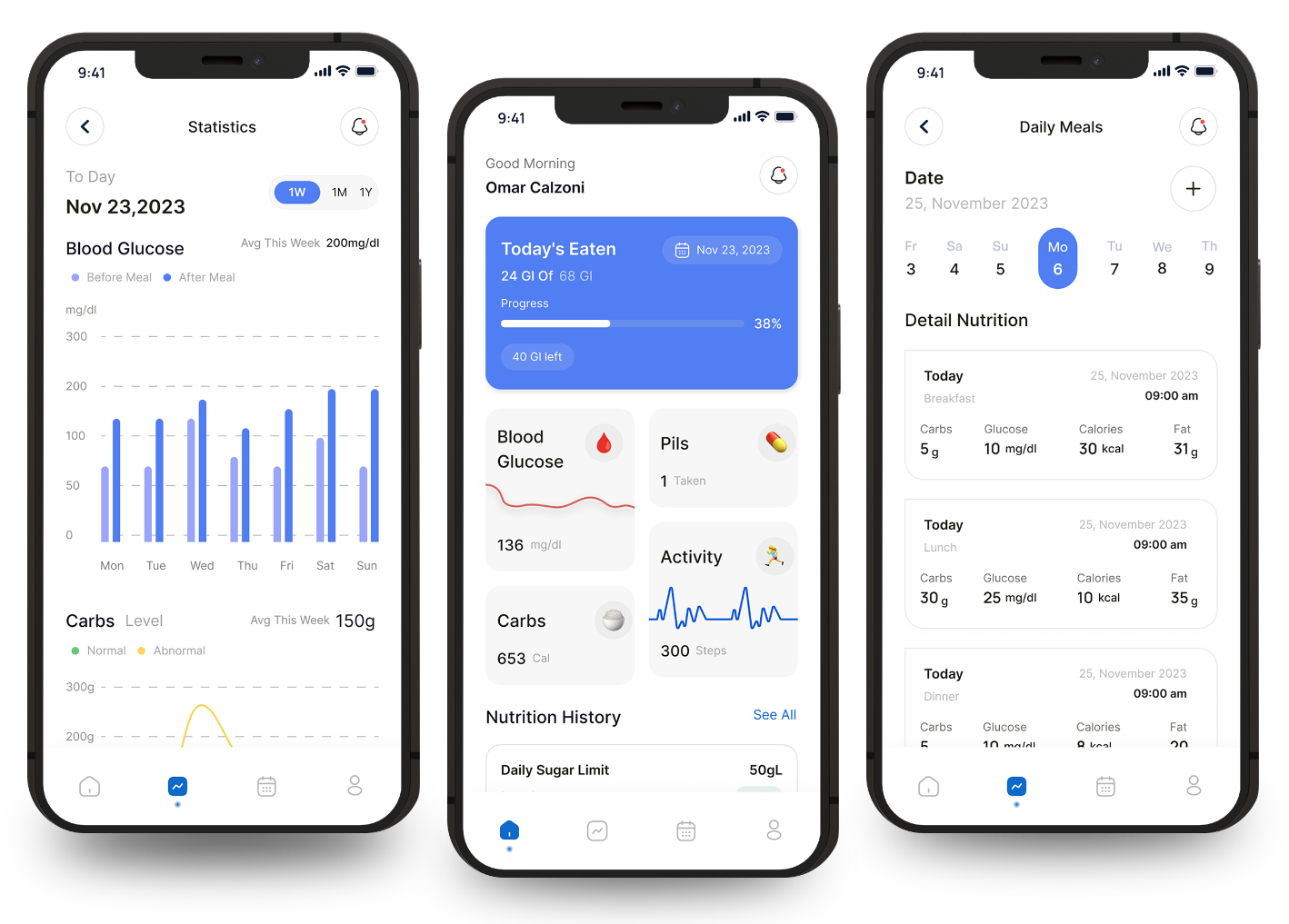






Key Highlights
- Migrated a prescriber-focused healthcare mobile application from Xamarin.Forms to .NET MAUI
- Achieved full functional parity across Android and iOS with improved performance and stability
- Resolved dark mode accessibility and UI rendering inconsistencies
- Established a scalable, future-ready mobile architecture for Phase 2 enhancements
Problem Statement
01
The healthcare mobile application was built on Xamarin.Forms, which reached end of support, creating long-term maintainability and security risks
02
UI components exhibited inconsistent rendering across devices, with critical dark mode visibility issues affecting usability
03
Lack of a modern cross-platform foundation delayed planned UI/UX transformation initiatives
04
Continued use of deprecated framework components increased technical debt and constrained future enhancements
05
Existing architecture limited performance optimization and platform scalability

Solution Overview
01
Executed a structured migration from Xamarin.Forms to .NET MAUI while preserving existing business logic and user workflows
02
Rebuilt XAML screens, ViewModels, and services using MAUI single-project architecture and MVVM pattern
03
Implemented adaptive theming to ensure dark mode compatibility and accessibility compliance
04
Replaced unsupported Xamarin plugins with MAUI-compatible equivalents and validated API integrations
05
Optimized local SQLite caching, search, and sorting mechanisms for performance consistency
Business Impact


FAQs:
Why was the Xamarin to .NET MAUI migration necessary?
Xamarin.Forms reached end of support, creating security, compatibility, and maintainability risks for the healthcare mobile application.
Was the application functionality changed during migration?
No. The migration maintained complete functional parity while improving performance, accessibility, and platform stability.
How were UI and accessibility issues addressed?
Adaptive theming and contrast-compliant layouts were implemented to resolve dark mode visibility and ensure consistent rendering across devices.
How was data handling preserved during migration?
Existing API integrations, SQLite caching, search logic, and sorting behaviors were retained and optimized within the MAUI architecture.
What was the primary outcome for the healthcare organization?
The organization gained a future-ready mobile platform with improved performance, reduced technical debt, and a scalable foundation for upcoming enhancements.
Testimonials of Our Happy Clients


Ken Kisner
Global Head of Digital R&D


My experience has been incredibly positive. They were incredibly easy to work with, even with changing requirements.
They are incredibly competitive, but are only a fraction of the cost of US companies.
They are definitely the most professional of the foreign companies that we were looking into.

Nyswyn K.
Director of Software Development

Our journey with OptiSol has been nothing short of remarkable. For over 7 years, we have partnered with them on our digital transformation, and the results have been truly transformative.
Over the years, we have come to trust OptiSol Business Solutions as a reliable and strategic partner.


Al Bagiro
CTO, Auto Insurance Company

The AI engine was completed on time and trained to 90% accuracy. Their eagerness to learn new knowledge impressed us.
Their team is large to handle multiple projects at once, and likes to resolve challenges as well as learn new things. They also welcome regular communications, and of course, needless to say, develop everything in sprints.

Dan Talken
Founder, CEO, & CTO, My Equipment Library, LLC

OptiSol Business Solutions has shown youthful skill and dedication to the projects. Moreover, they have been quick to implement their solutions without sacrificing the quality of each platform.
We’re constantly impressed with their speed and quality of the development that they achieve on a consistent basis.

Dr. A.K Pradeep
CEO MachineVantage

Exceptional Collaboration and Expertise - A Top-Notch Partner for AI, ML, and Digital Applications.
I have had the privilege of working with an exceptional team of professionals from India on numerous AI, ML, and digital application projects. Their expertise in these domains is remarkable, and they consistently impressed us with their knowledge, resources, and innovative approach.

Rick Tigges
CFO, Bemodo

They are very responsive and able to shift focus quickly as we have needed it for business reasons.
OptiSol Business Solutions has been great at documenting the timeline of the project. They were very responsive and were able to shift focus quickly, as well. They discuss what they’re working on without any issues. So far, there’s no need to improve their service.